

The short answer
Choose loan origination software by working backwards from your own process. List the loan types you offer, the systems your team already uses, and the steps that cause the most delay. Then test each vendor against the same seven questions below. If your team works in Salesforce, add one more test: does the product run natively on the platform, or does it copy data in and out of it?
What a loan origination system does
A loan origination system (LOS) manages a loan from application through documents, approval, closing and funding. Most of the buying decision comes down to how well it fits the way your team already works, not how many features it lists.
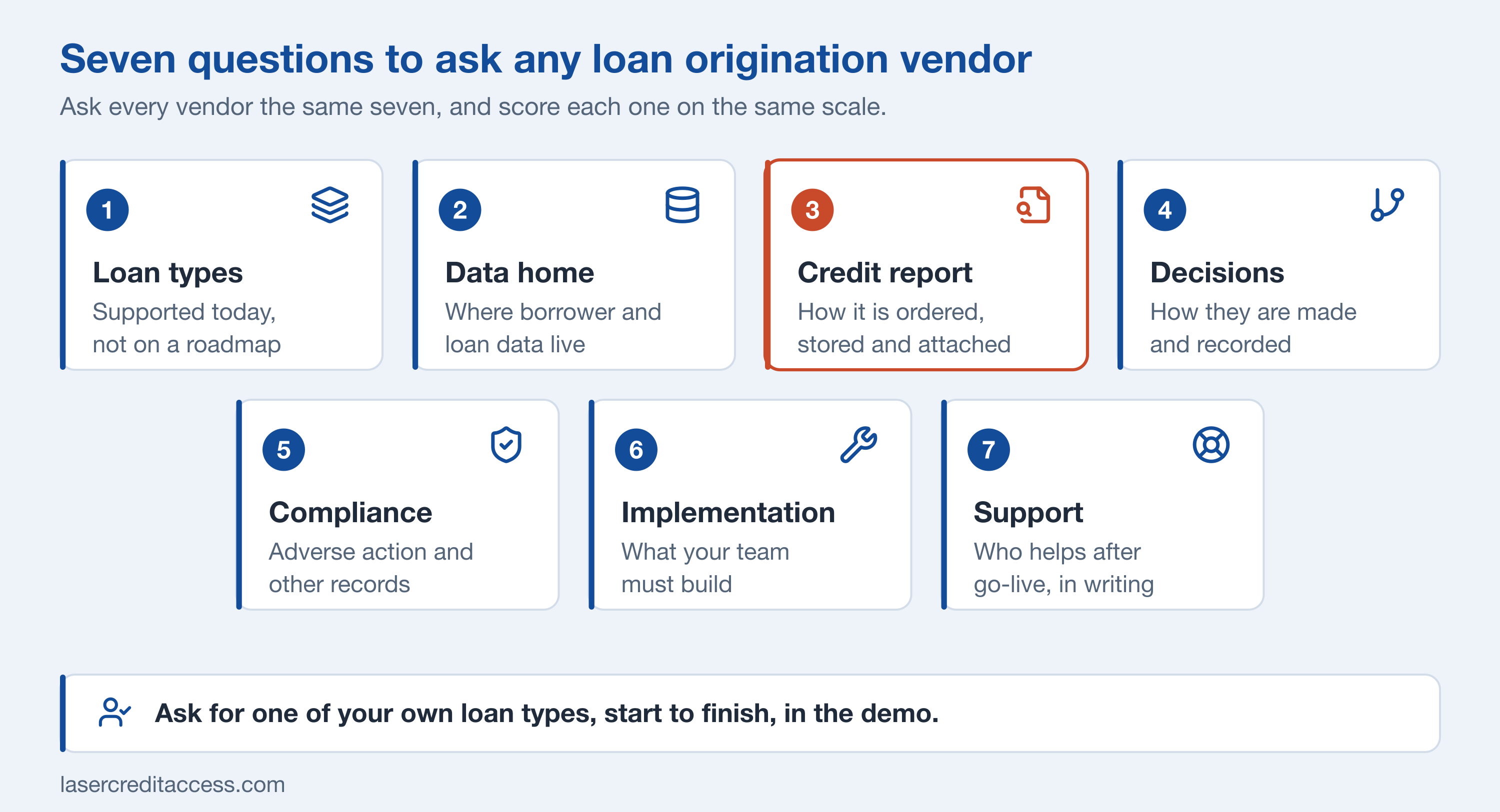
Seven questions to ask any vendor
| # | Question | Why it matters |
|---|---|---|
| 1 | Which loan types and borrower types does it support today? | A roadmap is not a feature. Ask to see the product you would use. |
| 2 | Where does borrower and loan data live? | Data in two systems has to be kept in sync, and it drifts. |
| 3 | How is a credit report ordered, stored and attached to the loan? | A PDF in a folder cannot be read by a rule or a report. |
| 4 | How are decisions made and recorded? | You need to see why a file was approved, declined or referred. |
| 5 | How does it document compliance steps, such as adverse action? | An examiner will ask for the record. |
| 6 | What does implementation involve, and what must your team build? | The cost is often in the build, not the license. |
| 7 | Who supports it after go-live, and how? | Ask for the support hours and the escalation path in writing. |
Salesforce-native or standalone
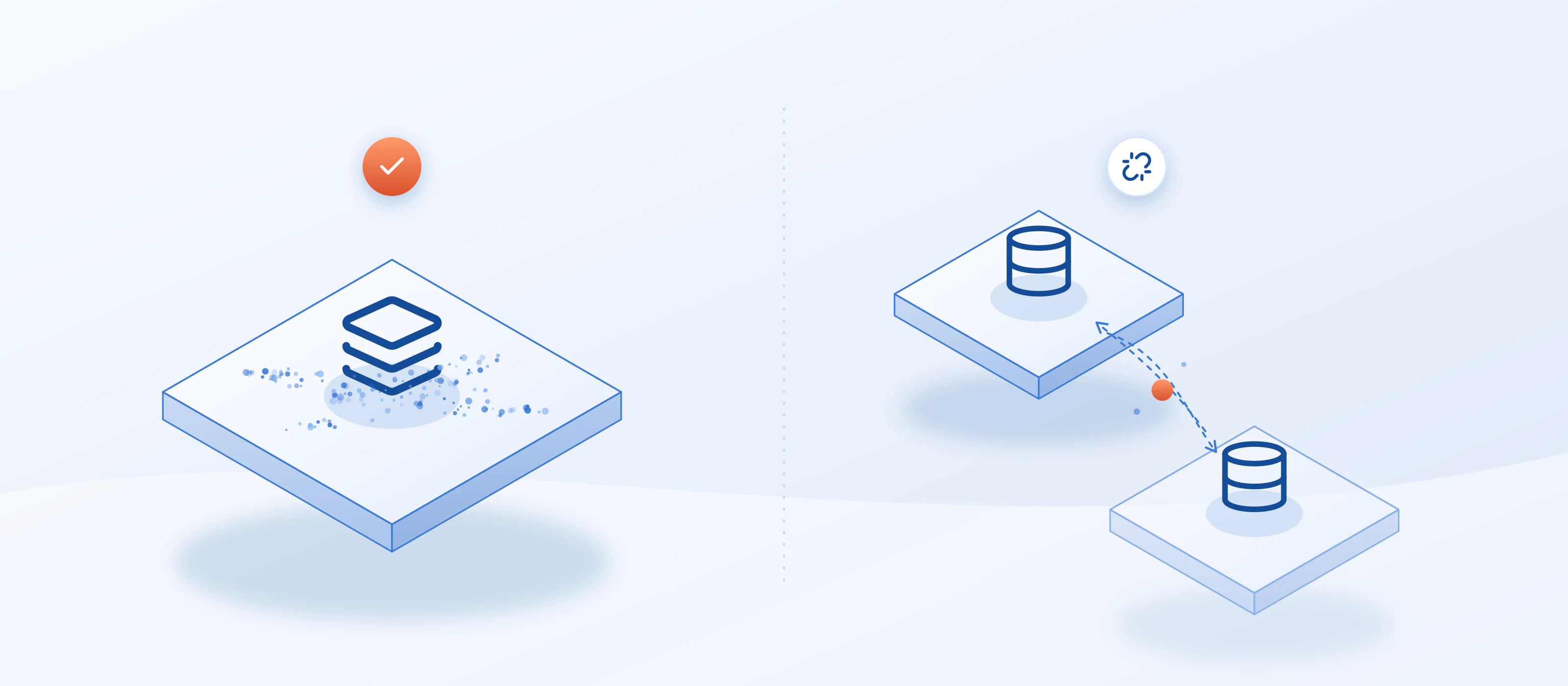
A Salesforce-native option runs on the platform your team may already use for leads, borrowers and communications. The loan, the borrower and the activity history sit on the same record, with the same permissions.
A standalone system can be a good fit when your team does not use Salesforce, or when one system must serve a business unit that has its own tools. The cost is integration: every sync is something to build, monitor and fix.
Whichever you pick, ask what happens at the boundary. How does the credit report get in? How does the decision get back to the borrower record? The answers show how much manual work is hiding behind a demo.
Where credit and compliance fit
Credit is where many origination projects slow down. If the credit report arrives as a PDF, someone has to read it, key in the numbers and file it. Decisions then depend on that manual step, and the compliance record depends on someone remembering to write it down.
LASER Credit Access® is not a loan origination system. It is the credit layer that runs inside a Salesforce LOS: it pulls the credit report from the bureaus and agencies you use, evaluates it against your credit policy, and supports the compliance steps around the decision, all on the loan record the LOS already uses. Intake, documents, closing, funding and servicing stay with your LOS.
If you are comparing systems, ask each vendor whether they provide the credit step themselves, or expect you to add a credit layer. Either answer is fine, as long as you know it before you sign.
A simple way to run the evaluation
Related reading
- Loan management software in Salesforce: the 2026 lending outlook
- Credit reports, decisioning and compliance inside Salesforce
- What is credit decisioning?
To see how the credit layer works on a Salesforce loan record, book a demo.