Hero background
Industry Intelligence4 min read

Lending Automation in Salesforce: What You Can Automate

By Michael Dunleavey
•October 6, 2026
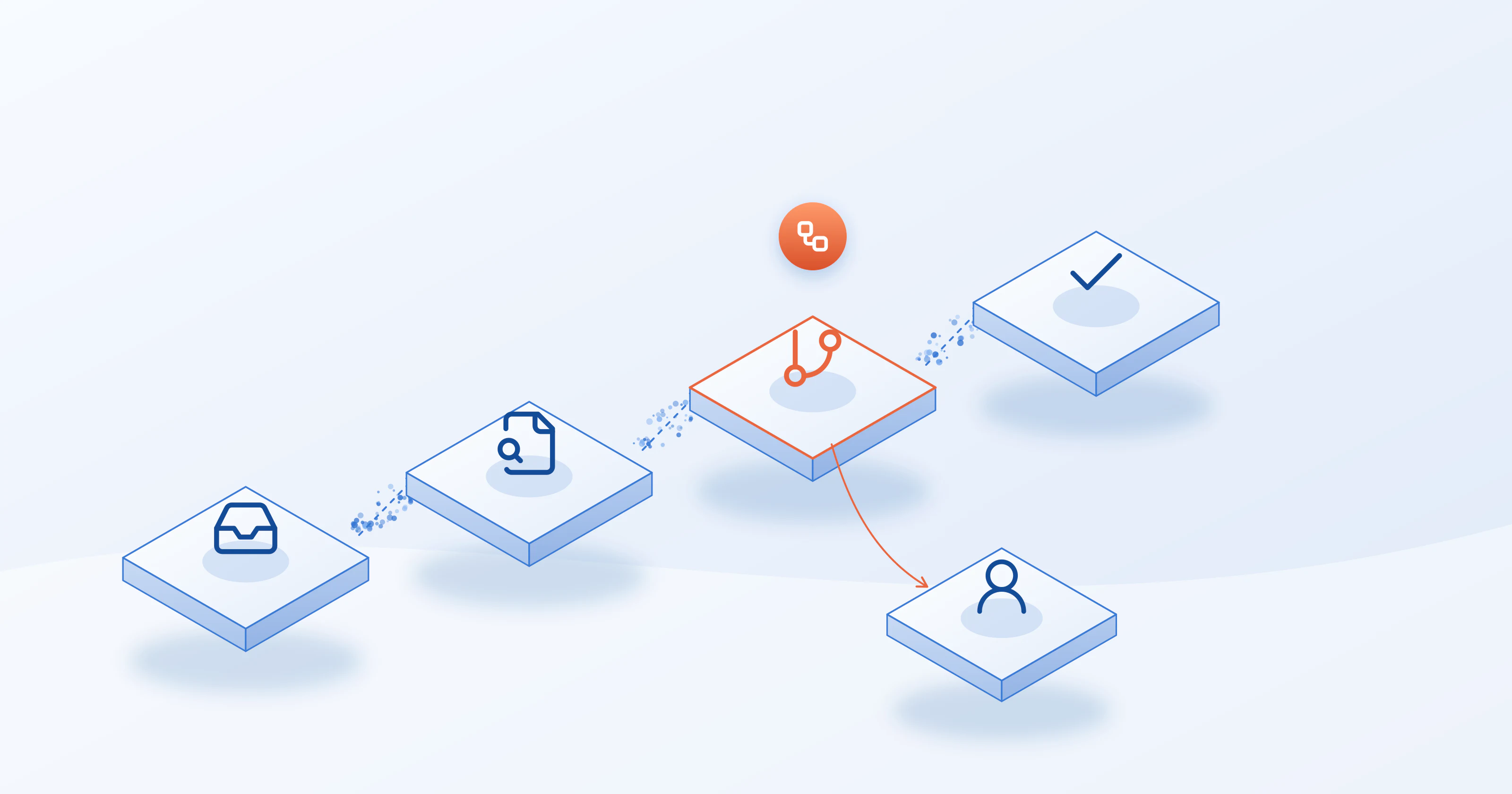
Loan records moving through automated stages in Salesforce, with one file routed to a person for review

The short answer

Yes. Lenders can automate a large share of the lending workflow inside Salesforce: moving records through stages, ordering the credit report, checking it against policy, screening applicants, and logging the result. What stays manual is judgment: exceptions, referrals and the final call on a close file.

Good lending automation is not "no people." It is routing: the routine file moves on its own, and the unusual file lands in front of the right person with everything already on the record.

What you can automate

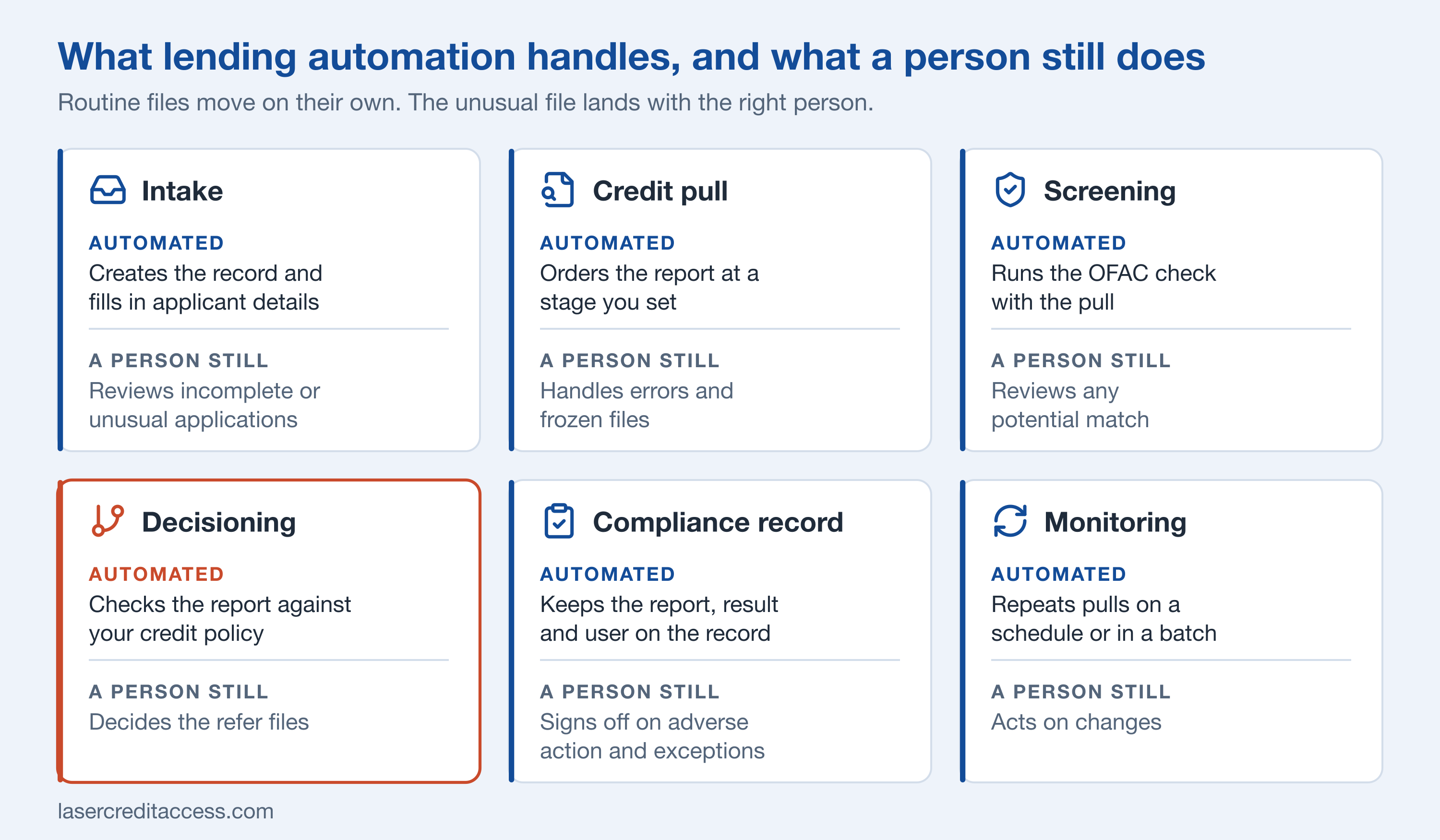
StepWhat automation doesWhat a person still does
IntakeCreates the record and fills in applicant detailsReviews incomplete or unusual applications
Credit pullOrders the report when the record reaches a stage you setHandles errors and frozen files
ScreeningRuns an OFAC check with the pullReviews any potential match
DecisioningChecks the report against your credit policy and returns approve, decline or referDecides the refer files
Compliance recordsKeeps the report, the result and the user on the recordSigns off on adverse action and exceptions
MonitoringRepeats the pull on a schedule or as a batchActs on changes
The lending steps automation can handle, and the steps that still need a person

Where the credit step fits

Credit is the step most lenders still do by hand: someone logs in to a bureau portal, runs the report, downloads a PDF and attaches it to the file. That is slow, and it leaves the data outside Salesforce where a rule cannot read it.
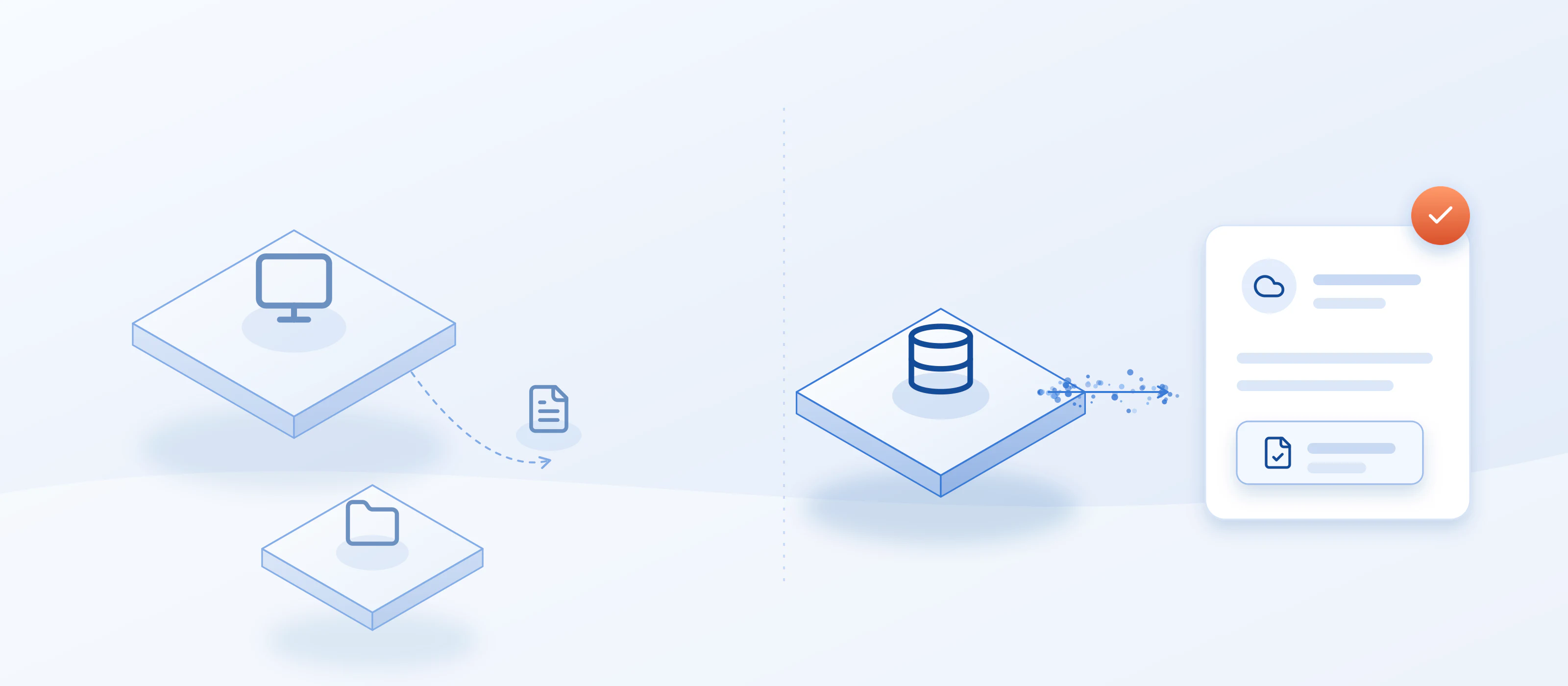
A manual bureau portal download compared with a credit report arriving automatically on a Salesforce record

LASER Credit Access® runs the credit step inside Salesforce. It is not a loan origination system. It is the credit layer that works inside whichever Salesforce setup you use, whether that is Financial Services Cloud, an origination app from the AppExchange, or a custom build.

  • Stage-based pulls. A Salesforce Flow can order the credit report when a record reaches a stage you choose, and loan officers can pull on demand with a button.
  • Structured data, not just a PDF. The report is parsed into Salesforce objects so rules and reports can read it, and the PDF attaches to the record.
  • Screening with the pull. An OFAC check can run when the report is requested, or the credit pull can wait until the check finds no match.
  • Repeat pulls. Schedule a refresh every 3, 6 or 12 months, or run a batch review across many records.
  • Duplicate control. A reuse window stops the same report from being ordered twice.

For the decision itself, LASER DECIDE checks the report against your credit policy on the same record. To see the difference between a score and a decision, read what is credit decisioning.

How to start

  • Map your stages. List the stages a loan passes through and mark where credit is needed.
  • Pick the first trigger. Start with one automatic step, usually the credit pull at the underwriting stage.
  • Set the human exits. Decide which outcomes go to a person: refer files, errors, anything flagged by screening.
  • Keep the record clean. Put the report, the result and the user on the same Salesforce record so an auditor can follow the file.
  • Expand one step at a time. Add screening, then decision rules, then scheduled pulls.
  • Each step should leave a record a person can inspect. Automation you cannot audit is a risk, not a saving.

    To see an automated credit step on a live Salesforce record, book a demo.

    lending automation softwaresalesforce lending appautomate lending in salesforcesalesforce lending platformsalesforce for lending

    Frequently Asked Questions

    Can lenders automate lending inside Salesforce?

    Yes. Salesforce can run the workflow, and a credit layer inside it can pull the credit report at a chosen stage, check it against your credit policy, and keep the compliance steps on the same record. Judgment calls, exceptions and final sign-off still belong to people.

    What is a Salesforce lending platform?

    A Salesforce lending platform is a lending process built on Salesforce: borrowers, applications and loans live as Salesforce records, workflows move them between stages, and apps from the AppExchange or a custom build add steps such as credit, decisioning and documents. Many lenders combine Financial Services Cloud with an origination app.

    What can lending automation handle, and what stays manual?

    The repeatable steps: moving a record between stages, ordering a credit report when a record reaches a stage you choose, screening against a sanctions list, checking the report against decision rules, and scheduling repeat pulls. Steps that need judgment, such as exceptions or a referral, should route to a person.

    Do I need a loan origination system to automate lending in Salesforce?

    You need somewhere for the loan to live. That can be Salesforce's own Financial Services Cloud tools, an origination app from the AppExchange, or a custom build on Salesforce objects. A credit layer runs inside whichever one you use.

    How do I add credit reports to a Salesforce lending process?

    Install a credit layer from the AppExchange, connect your bureau or agency credentials, and map the fields on your Lead, Account, Opportunity or custom loan object. Then pull with a button or let a Flow order the report at a stage you choose. The data lands in Salesforce objects and the PDF attaches to the record.

    Can the credit pull run automatically?

    Yes. A Salesforce Flow can order the credit report when a record reaches a stage you choose, such as moving to underwriting. You can also schedule repeat pulls every 3, 6 or 12 months, or run a batch for many records at once.

    Where does the credit step fit in an automated lending workflow?

    Usually at underwriting. The pull runs when the record reaches that stage, the report arrives as structured data, a rule checks it against your credit policy and returns approve, decline or refer, and the report, the result and the user stay on the loan record. Refer files go to a person.

    Does automation replace the underwriter?

    No. Automation handles the routine files and routes the rest. A rule-based decision returns approve, decline or refer, and the refer outcome goes to a person with the report and the reasons already on the record. Final sign-off on close files and exceptions stays with people.

    Michael Dunleavey

    Founder — LASER Credit Access

    Michael Dunleavey has worked in lending since 2002, at Virginia Commercial Finance, CIT Small Business Lending, CapitalSource and SunTrust Bank, where compliance training and testing were part of the job. Michael designed the LASER Credit Access app and oversees its development, and designed its COMPLY compliance engine after a year of research.

    Ready to Transform Your Credit Operations?

    Discover how LASER Credit Access streamlines compliance and decisioning natively inside Salesforce — unified in a single app, ready from day one.